
Build custom apps for your org
Create apps and workflows tailored to your organization's needs. Use the SDK for full control or the AI App Builder for rapid development—deploy to your teams in minutes.
What you can build
Developer-ready
Build once, deploy to your teams
Weave apps run where the work happens: in the browser. Build once and deploy to any team in your organization instantly.
Build
Use the SDK or AI App Builder to create apps tailored to your organization's workflows.
Test
Preview and test your app in the sidebar before rolling out to your teams.
Deploy
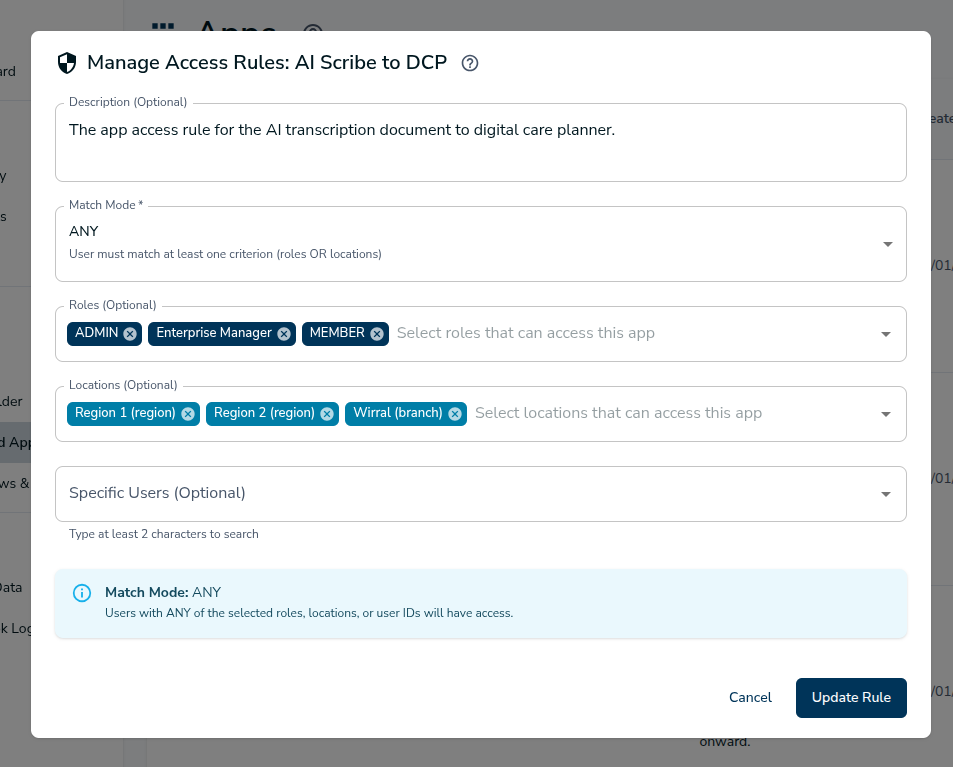
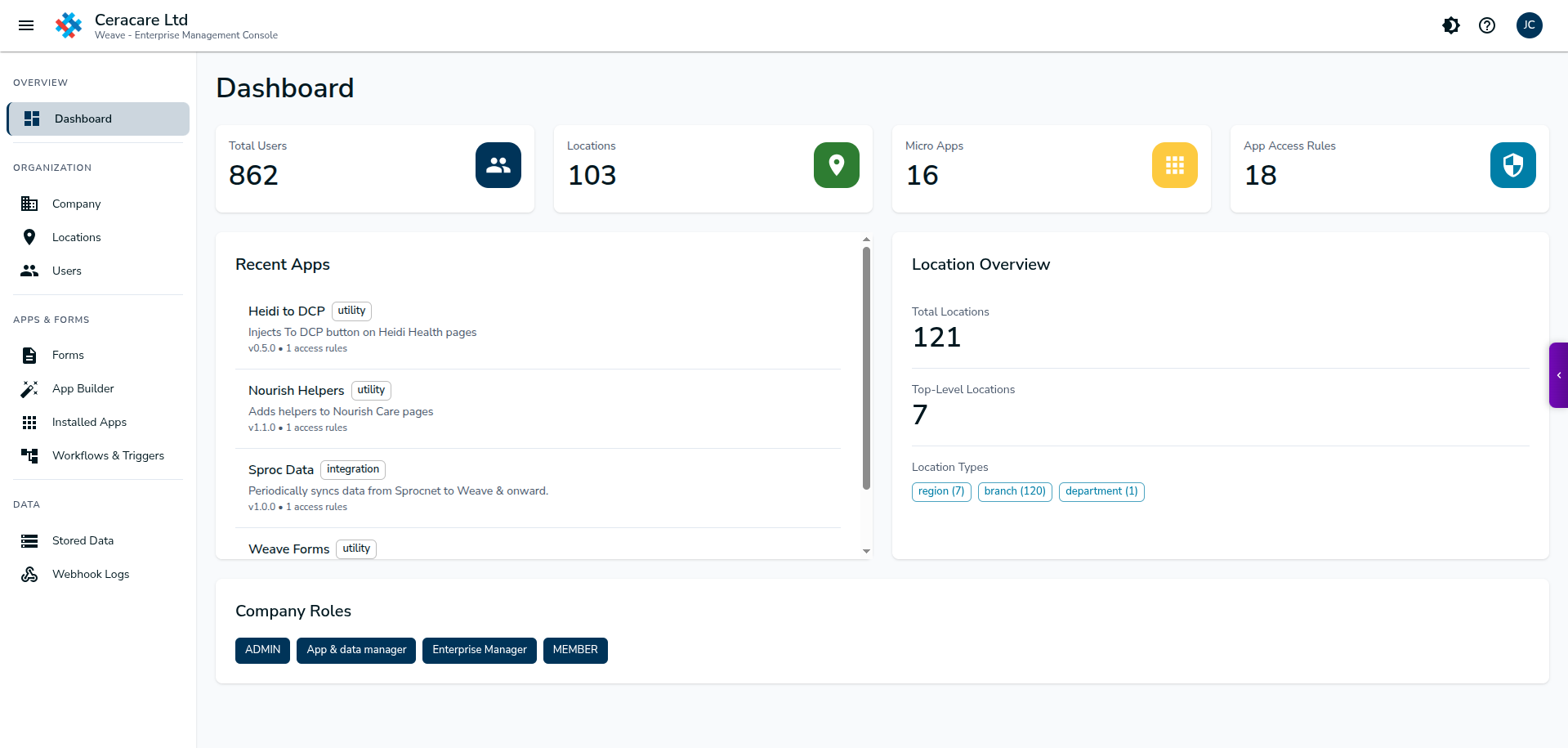
Push to specific teams, locations, or your entire organization through the Enterprise Console.
Two ways to build
Choose your path: code with the SDK or use the AI App Builder in the Enterprise Console.
Weave App SDK
Write TypeScript apps that compile to clean, auditable JavaScript. Full control over UI and logic.
npx weave-init my-app
cd my-app && npm install
npm run build- TypeScript with full type safety
- Clean JavaScript output for security review
- Shadow DOM isolation
AI App Builder
Describe what you want in plain English. The AI generates a working app you can customize and deploy.
"Create an app that extracts patient names from this form and auto-fills them into the referral system..."
- Natural language to working app
- Iterate with AI assistance
- Export to SDK for advanced customization
Web Components architecture
Apps are single-file web components with access to powerful APIs through the Weave sidebar.
Single-file simplicity
Each app is a self-contained JavaScript file that extends WeaveBaseApp. Styles, markup, and logic all in one place—easy to review, easy to deploy.
Data API
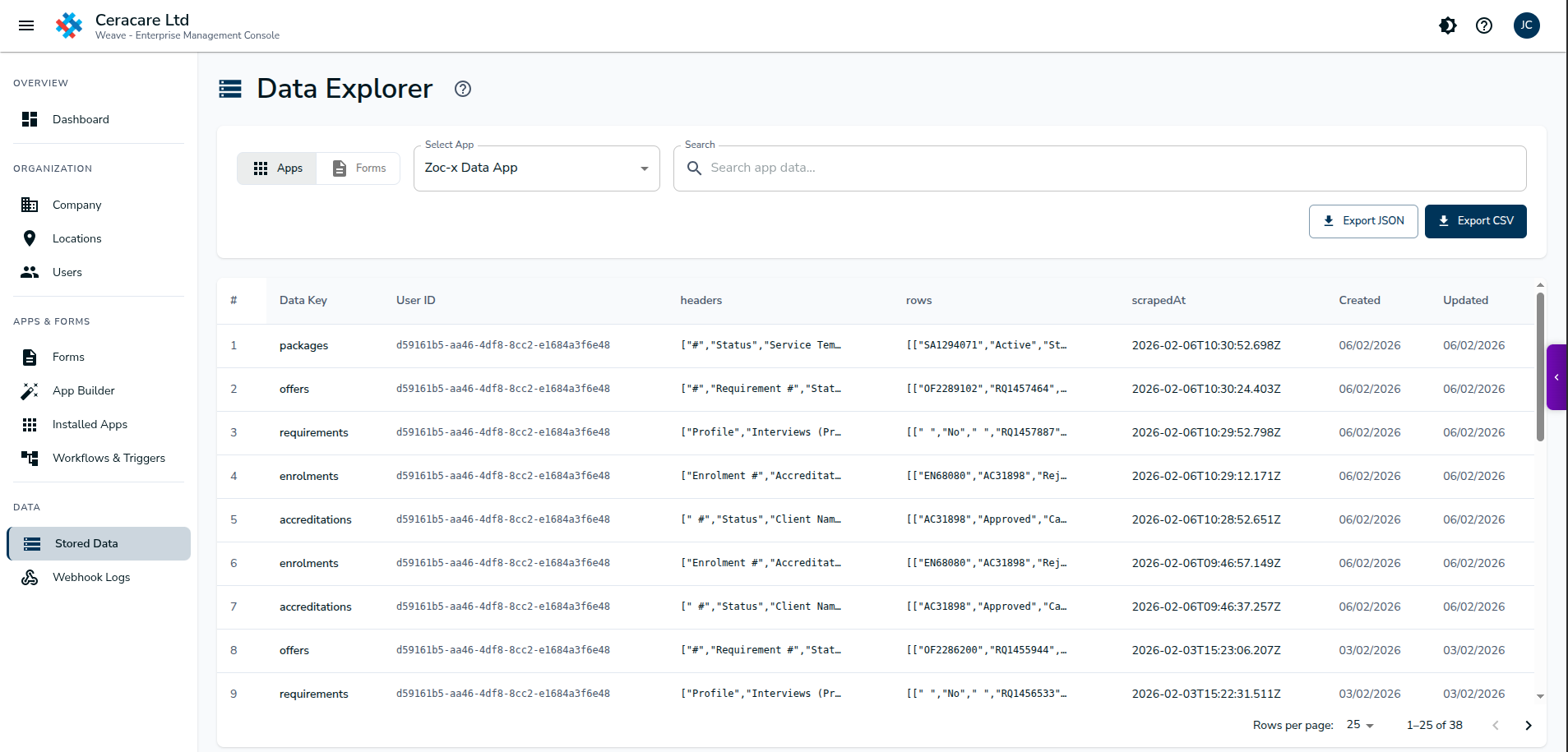
Persist app data to the Weave backend. Store user preferences, extracted content, and workflow state.
weaveAPI.appData.*
AI API
Call AI for text extraction, form filling, summarization, and compliance validation—built right in.
weaveAPI.ai.chat()
DOM API
Securely read and write to the host page. Query elements, fill forms, inject buttons, watch for changes.
weaveDOM.*
Access browser capabilities through the sidebar
Apps run inside the Weave sidebar and inherit access to Chrome extension APIs—storage, tabs, alarms, and more. All mediated through secure bridges with permission controls.
- State persistence across page reloads
- Scheduled tasks with cron syntax
- Multi-page workflow operations
- Background services without UI
See the AI Builder in action
Describe your automation in plain English. Watch the AI generate a working app in seconds.
AI App Builder demo coming soon
See how to build apps without writing code
Describe your app
Tell the AI what you want to automate in plain English.
Review & iterate
Preview the generated app, request changes, refine the logic.
Deploy instantly
Push to your team or export to SDK for advanced customization.
Configure app settings centrally
Apps can define configurable settings that administrators manage through the Enterprise Console. No code changes needed to customize behavior per team or deployment.
interface MyAppSettings {
  /** @description API endpoint */
  apiEndpoint?: string;
  /** @description Enable debug mode */
  debugMode?: boolean;
}

// Access in your app
const endpoint = this.appSettings?.apiEndpoint;
Ready to build your first app?
Start with the SDK documentation or try the AI App Builder to create your first custom app for your organization.